

Custom Crypto Wallets: Choosing Chains and Tokens Without Clutter
Yes, you can build a wallet that displays only the specific chains and tokens you use. BuildAWallet allows you to design a wallet blueprint where you select assets, networks, and security features, ensuring a clean interface free from irrelevant data. This guide covers how to filter multi-chain data, hide unused tokens, and customize your wallet interface for maximum clarity. For additional details, review the HUMAN NON.
Multi-Chain Filtering
Multi-chain filtering is the process of restricting a wallet interface to display balances and transactions only from specific blockchain networks. Most modern wallets support dozens of networks, but users often interact with only one or two. Displaying all supported chains creates visual noise and increases the risk of accidental interactions with the wrong network.
BuildAWallet addresses this by allowing users to pick networks during the design phase. Instead of a default list of every supported chain, you define which networks appear in your wallet blueprint. This approach ensures that your primary interface reflects your actual usage patterns. If you primarily use Base and Solana, your wallet can be configured to focus exclusively on those environments.
Why Network Clutter Matters
Network clutter is a significant usability issue in crypto. When a wallet displays balances for chains you do not use, it obscures your primary assets. It also complicates the user experience for new users who may not understand the difference between networks. By filtering chains, you reduce cognitive load and improve security awareness.
For developers and agents, chain filtering is also critical. The BuildAWallet machine API allows agents to read specific chain states without processing irrelevant data. This precision is essential for automated systems that require clean, structured input. Filtering at the design level ensures that both human and non-human users benefit from a focused environment.
Token Hiding Features
Token hiding features allow users to remove specific digital assets from their wallet view. This is particularly useful for users who hold a large number of tokens, including airdrops, test tokens, or low-value assets. Hiding these tokens does not delete them from the blockchain; it simply removes them from the visual interface.
BuildAWallet enables users to select which assets appear in their wallet design. This means you can create a clean view that shows only your primary holdings. For example, if you hold ETH, USDC, and a dozen other tokens, you can choose to display only ETH and USDC. The other tokens remain in your wallet but are hidden from the main dashboard.
Managing Airdrop and Test Tokens
Airdrop and test tokens are a common source of clutter. Many users receive unsolicited tokens that have little or no value. These tokens can fill up a wallet interface and make it difficult to find important assets. By using token hiding features, you can keep your wallet organized and focused on your primary holdings.
It is important to note that hiding a token does not affect its security. The token remains in your wallet and can be accessed if needed. However, hiding it reduces the risk of accidental interactions. This is especially important for users who are new to crypto and may not understand the implications of interacting with unknown tokens.
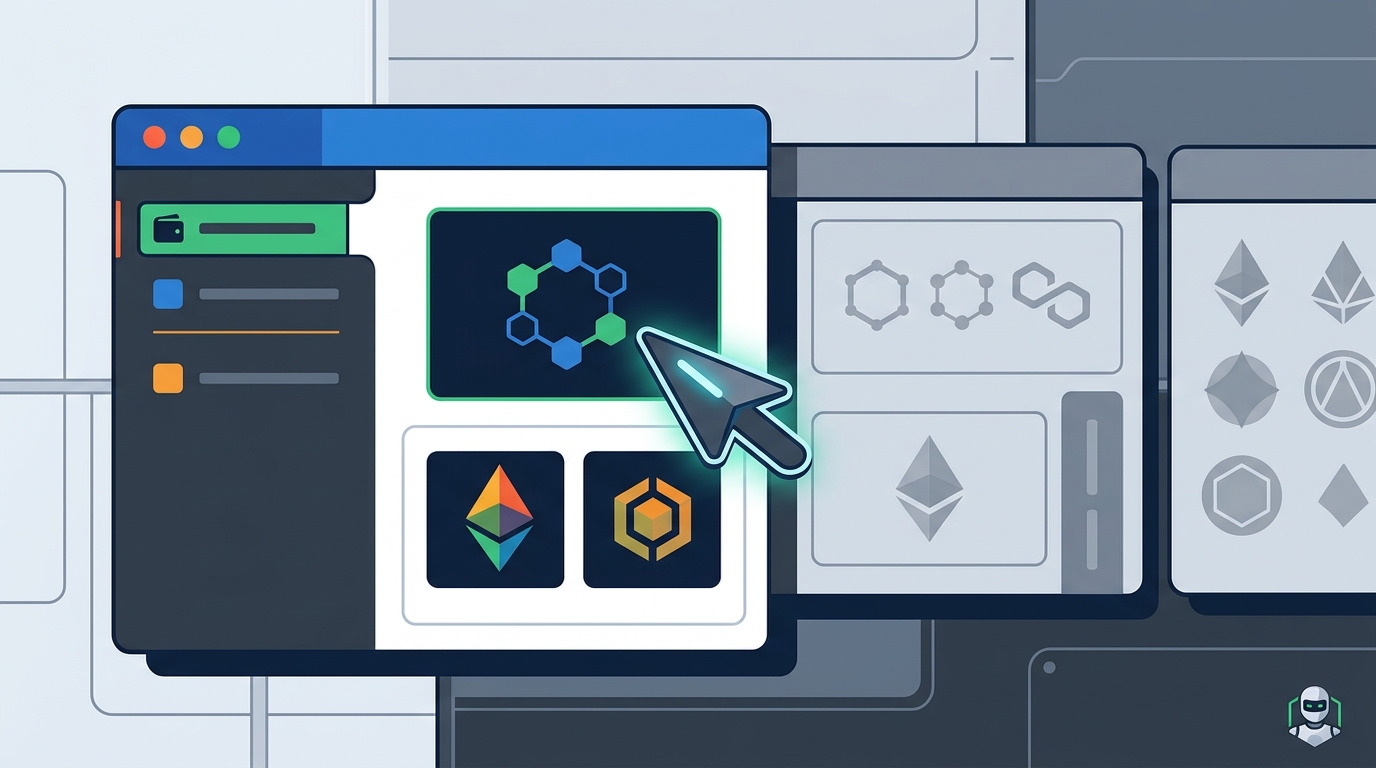
Wallet Customization
Designing Your Wallet Blueprint
The BuildAWallet builder allows you to refine your wallet blueprint with the wallet architect. This feature helps you make informed decisions about your wallet design. You can preview your concept and download a detailed implementation plan. This plan serves as a guide for building your wallet, ensuring that all your requirements are met.
Token Visibility Controls
Token visibility controls are settings that allow users to manage which tokens are displayed in their wallet. These controls can include options to show or hide specific tokens, sort tokens by value or name, and group tokens by category. Effective token visibility controls are essential for maintaining a clean and organized wallet interface.
BuildAWallet provides users with the ability to control token visibility through its design process. By selecting which assets to include in your wallet blueprint, you are effectively controlling their visibility. This approach is more powerful than simple show/hide toggles, as it allows you to define your wallet's core functionality from the ground up.
Sorting and Grouping Tokens
For users with large portfolios, sorting and grouping are essential tools. They help you manage your assets more effectively and reduce the time spent navigating your wallet. By using these features, you can create a wallet interface that is both clean and functional.
Chain Selection Customization
Chain selection customization is the ability to choose which blockchain networks your wallet supports. This is a critical feature for users who want to avoid clutter and focus on their primary networks. By customizing your chain selection, you can ensure that your wallet only displays the networks you use.
BuildAWallet allows users to pick networks during the design phase. This means you can create a wallet that supports only the chains you need. For example, if you primarily use Ethereum and Base, you can configure your wallet to support only those networks. This approach reduces clutter and improves security by limiting your exposure to unsupported chains.
Supported Networks in BuildAWallet
BuildAWallet supports a variety of networks, including Base and Solana. These networks are popular for their low fees and high throughput. By supporting these networks, BuildAWallet provides users with a flexible and powerful wallet design tool. You can choose which networks to include in your wallet blueprint, ensuring that your interface is tailored to your needs.
Chain selection customization is also important for developers and agents. The BuildAWallet machine API allows agents to read specific chain states, ensuring that they only process relevant data. This precision is essential for automated systems that require clean, structured input. By customizing your chain selection, you can ensure that your wallet works for you, whether you are a human user or an AI agent.
Wallet Interface Decluttering
BuildAWallet helps users declutter their wallet interface by allowing them to design a wallet around their specific needs. By selecting only the features and assets you need, you can create a clean and focused interface. This approach is more effective than trying to declutter a pre-built wallet, as it allows you to define your wallet's core functionality from the ground up.
Benefits of a Decluttered Interface
For users who are new to crypto, a decluttered interface is especially important. It helps them learn the basics without being overwhelmed by complex features. By using BuildAWallet, you can create a wallet that is both powerful and easy to use. This approach ensures that you can manage your assets effectively, regardless of your experience level.
Key Takeaways
- Multi-chain filtering allows you to display only the networks you use, reducing visual noise.
- Token hiding features let you remove unused assets from your wallet view without deleting them.
- Wallet customization enables you to modify the appearance and functionality of your wallet to suit your preferences.
- Token visibility controls help you manage which tokens are displayed, improving organization.
- Chain selection customization ensures your wallet supports only the networks you need.
- Wallet interface decluttering removes unnecessary elements, improving usability and security.
- BuildAWallet offers a guided builder that allows you to design a wallet around your specific needs.
- A clean and focused wallet interface is essential for effective asset management.
Frequently Asked Questions
Can I hide tokens in BuildAWallet?
Yes, you can select which assets appear in your wallet design, effectively hiding unused tokens from your main view.
Does hiding a token delete it from my wallet?
No, hiding a token only removes it from the visual interface. The token remains in your wallet and can be accessed if needed.
Which networks does BuildAWallet support?
BuildAWallet supports a variety of networks, including Base and Solana. You can choose which networks to include in your wallet blueprint.
Is BuildAWallet suitable for beginners?
Yes, the guided builder and decluttered interface make BuildAWallet accessible to users of all experience levels.
Can I customize the appearance of my wallet?
Yes, you can pick style options during the design phase to customize the appearance of your wallet.
Does BuildAWallet support AI agents?
Yes, BuildAWallet provides paid machine endpoints that allow AI agents to read balances on supported networks.