

BuildAWallet: The Ultimate Guide to Custom Chain and Token Visibility
Yes, BuildAWallet allows you to choose exactly which chains and tokens appear in your interface. This self-custody platform removes clutter by letting you define your wallet's structure before you even hold funds. This guide covers multi-chain filtering, token hiding, and interface decluttering. It explains how to build a clean, focused digital asset manager tailored to your specific needs. For additional details, review the Blog BuildAWallet.
Multi-Chain Filtering
Multi-chain filtering is the process of selecting specific blockchain networks to display in your wallet interface. Most standard wallets force you to view every supported network, which creates visual noise. BuildAWallet changes this by allowing you to curate your network list during the setup phase. You decide which chains matter to your portfolio and which ones you want to ignore.
Why Filtering Matters
Visual clutter leads to cognitive load. When a wallet displays ten or more networks, users often feel overwhelmed. This can lead to mistakes or hesitation during transactions. By filtering out irrelevant chains, you create a focused environment. This focus helps you manage your assets with greater confidence and speed.
Supported Networks
BuildAWallet supports a wide range of networks, including Ethereum, Base, Arbitrum, Optimism, Polygon, BNB Chain, Avalanche, Solana, Bitcoin, and Tron. You are not required to enable all of them. You can select only the networks where you hold assets or plan to interact with applications. This selective approach ensures your home screen remains clean and relevant.
Token Hiding Features
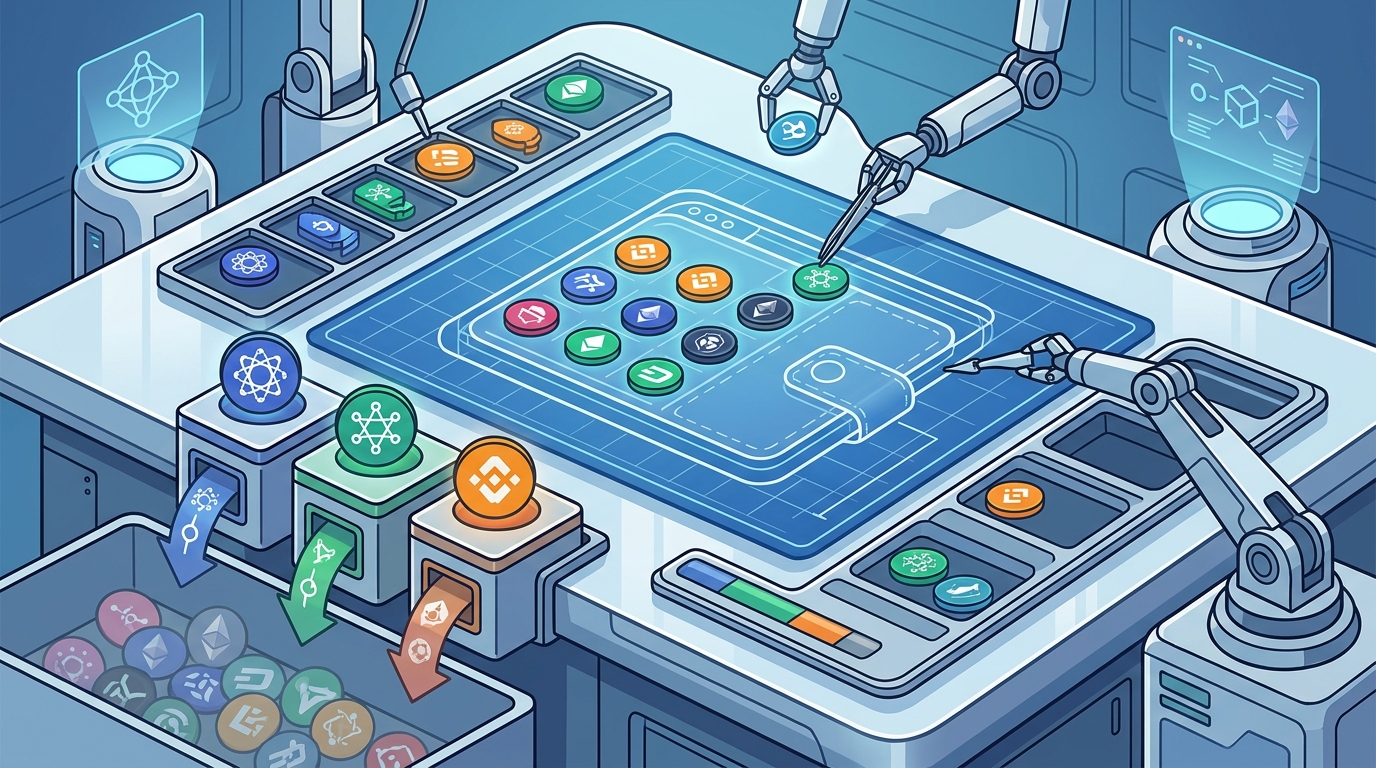
Token hiding features allow users to conceal specific digital assets from their main portfolio view. This is crucial for managing a large number of tokens without losing sight of your core holdings. BuildAWallet provides tools to manage token visibility directly within the wallet studio. You can hide tokens that you no longer use or that clutter your interface.
Managing Token Lists
Every wallet accumulates tokens over time. Some are useful, while others are dust or experimental assets. BuildAWallet lets you organize these assets. You can choose which tokens appear in your primary list and which ones are hidden. This organization helps you maintain a clear overview of your net worth without scrolling through dozens of entries.
Custom Tokens
For users who hold custom tokens, visibility controls are even more important. You can add custom tokens and then decide how they appear in your interface. This flexibility ensures that your wallet reflects your actual portfolio structure. It does not force you to display every token you have ever received.
Wallet Customization
Wallet customization is the ability to modify the visual and functional aspects of your digital asset manager. BuildAWallet offers a deep customization suite known as the Wallet Studio. This tool allows you to shape the wallet you will use every day. You can adjust styles, layouts, colors, and navigation to fit your preferences.
Style Foundations
BuildAWallet provides several style foundations, including Minimal, Trader, Neon, Classic, Glass, and Gallery. Each style changes the information density and structure of the wallet. For example, the Minimal style is quiet and spacious, prioritizing essentials. The Trader style offers dense rows and market signals. You choose the foundation that matches your workflow.
Quick Builds
If you are unsure where to start, BuildAWallet offers quick builds. These presets include Degen Mode, Fortress, Stablecoin Stacker, and HODL Bitcoin. Each preset configures the wallet for a specific use case. You can start with a preset and then fine-tune the settings to your liking. This approach saves time while still giving you full control.
Token Visibility Controls
Token visibility controls are the specific settings that determine which assets are displayed on your wallet screen. These controls are part of the broader customization suite in BuildAWallet. They allow you to manage the balance between comprehensive data and visual simplicity. You can toggle the visibility of individual tokens or entire asset categories.
Granular Control
Portfolio Clarity
Clear portfolio views are essential for effective asset management. When you can see exactly what you own, you can make better decisions. BuildAWallet helps you achieve this clarity by letting you define what is visible. This reduces the risk of overlooking important assets or being distracted by irrelevant data.
Chain Selection Customization
Chain selection customization is the process of choosing which blockchain networks are active in your wallet. This is a critical step in the BuildAWallet setup process. You can select from the ten supported mainnets, including EVM chains, Solana, Bitcoin, and Tron. This selection determines which networks are available for sending, receiving, and viewing balances.
Network Compatibility
Not all tokens are compatible with all chains. By selecting specific chains, you ensure that your wallet is optimized for your assets. For example, if you only hold assets on Base and Solana, you can enable only those two networks. This reduces the complexity of your wallet and makes it easier to navigate. It also ensures that your interface is tailored to your specific needs.
Future-Proofing
As the blockchain ecosystem evolves, new chains and tokens emerge. BuildAWallet allows you to update your chain selection as your portfolio changes. You can add new networks when you start using them and remove old ones when you no longer need them. This flexibility ensures that your wallet remains relevant and useful over time.
Wallet Interface Decluttering
Wallet interface decluttering is the practice of removing unnecessary elements from your wallet's user interface. This includes hiding unused features, simplifying navigation, and adjusting visual elements. BuildAWallet makes this easy through its Studio tool. You can customize the layout, colors, and navigation to create a clean and focused interface.
Navigation Simplification
Visual Simplicity
Visual simplicity is key to a good user experience. BuildAWallet offers various color schemes and layout options. You can choose a design that is easy on the eyes and reduces visual noise. This is especially important for users who spend a lot of time in their wallet. A clean interface helps you stay focused and productive.
Comparison of Wallet Customization Features
| Feature | BuildAWallet | Standard Wallets |
|---|---|---|
| Chain Selection | Full control over which networks are displayed | Often fixed or limited to a few options |
| Token Hiding | Granular control over individual token visibility | Basic hide/show options, often limited |
| Interface Customization | Deep customization via Wallet Studio | Minimal or no customization options |
| Style Foundations | Multiple presets including Minimal, Trader, Neon | Usually one fixed design |
| Quick Builds | Presets for specific use cases | Rarely available |
Key Takeaways
- BuildAWallet allows you to choose exactly which chains and tokens appear in your interface.
- Multi-chain filtering helps you focus on the networks that matter to your portfolio.
- Token hiding features let you manage a large number of assets without clutter.
- The Wallet Studio provides deep customization options for style, layout, and navigation.
- Chain selection customization ensures your wallet is optimized for your assets.
- Interface decluttering creates a clean and focused user experience.
- BuildAWallet is a self-custody platform, meaning you control your keys and transactions.
Frequently Asked Questions
Can I hide specific tokens in BuildAWallet?
Yes, you can hide specific tokens using the token visibility controls in the Wallet Studio. This allows you to manage your portfolio view without clutter.
Which chains does BuildAWallet support?
BuildAWallet supports ten mainnets, including Ethereum, Base, Arbitrum, Optimism, Polygon, BNB Chain, Avalanche, Solana, Bitcoin, and Tron.
Is BuildAWallet a custodial wallet?
No, BuildAWallet is a self-custody wallet. Your keys stay on your device, and you control your own transactions.
Can I customize the visual style of my wallet?
Yes, you can choose from several style foundations, including Minimal, Trader, Neon, Classic, Glass, and Gallery. You can also adjust colors and layouts.
Do I need to enable all supported chains?
No, you can select only the chains you use. This helps keep your interface clean and focused.
What are quick builds in BuildAWallet?
Quick builds are presets that configure your wallet for specific use cases, such as Degen Mode, Fortress, Stablecoin Stacker, and HODL Bitcoin.
Can I update my chain selection later?
Yes, you can update your chain selection as your portfolio changes. This ensures your wallet remains relevant over time.
How do I access the Wallet Studio?
You can access the Wallet Studio from the main BuildAWallet interface. It is where you customize your wallet's style, layout, and features.
Conclusion
BuildAWallet is the ideal solution for users who want a clean and focused wallet experience. By allowing you to choose exactly which chains and tokens appear, it eliminates the clutter that plagues many standard wallets. The Wallet Studio provides deep customization options, ensuring your wallet fits your specific needs. Whether you are a trader, a holder, or an agent, BuildAWallet gives you the control you need. To start building your custom wallet, visit the Wallet Studio and explore the possibilities. For more information on setting up your wallet, check out the setup guide. If you need help, you can contact support. BuildAWallet is designed for both humans and agents, making it a versatile tool for the modern blockchain ecosystem. Start customizing your wallet today and enjoy a clutter-free experience.