

Unsigned Transaction Preparation via MCP: A 2026 Guide
Yes, BuildAWallet provides an MCP server that prepares unsigned transactions for local signing. This guide explains how to connect your agent to the BuildAWallet MCP endpoint, how the unsigned transaction preparation workflow operates, and how to maintain full custody of your keys while automating blockchain interactions.
Local Signing Workflows
Local signing is the cornerstone of self-custody. In this model, the private key never leaves the user's device. The software generates the key locally, and the signing operation occurs entirely on the user's hardware. This ensures that no third party, including the wallet provider, can access the secret material required to authorize a transfer.
The Non-Custodial Default
BuildAWallet operates on a strict non-custodial principle. When an agent uses the local wallet kit, the wallet is created on the agent's machine. The system never holds the agent's keys. Instead, it provides the tools to generate, manage, and sign transactions locally. This design ensures that even if the server infrastructure is compromised, the user's funds remain secure because the keys are not stored on the server.
Security Implications
By keeping keys local, users avoid the risks associated with centralized custody. There is no need to trust a third party with the ability to move funds. The user retains absolute control over their assets. This approach is critical for high-value transactions and for users who prioritize privacy and security above all else.
MCP Servers for Crypto Agents
The Model Context Protocol (MCP) is a standard that allows AI assistants to discover and call outside tools. It acts as a bridge between the AI model and external services. By using an MCP server, an agent can interact with blockchain data and transaction preparation services without needing to write custom integration code for every new tool.
BuildAWallet MCP Endpoint
BuildAWallet offers a dedicated MCP endpoint at buildawallet.xyz/mcp. This endpoint uses streamable HTTP and JSON-RPC 2.0. When you connect a client like Claude Desktop or Cursor to this endpoint, the agent instantly gains access to over 50 tools. These tools include wallet creation, chain data retrieval, and transaction preparation.
Setup and Configuration
Setting up the MCP server is straightforward. You add the BuildAWallet configuration to your client's settings file. The configuration includes the command to run the MCP remote and the necessary environment variables for authentication. Free tools work without an API key, but metered tools require a baw_acct_ key from the dashboard. This allows the agent to use prepaid API units for paid operations.
Integration with AI Clients
The MCP protocol is designed to be client-agnostic. Whether you are using Claude, Cursor, or any other MCP-compatible client, the integration process is similar. The agent reads the tool descriptions and decides which tools to call based on the user's request. This makes it easy to build complex workflows that involve multiple steps, such as checking a balance, preparing a transaction, and broadcasting the signed bytes.
Unsigned Transaction Preparation
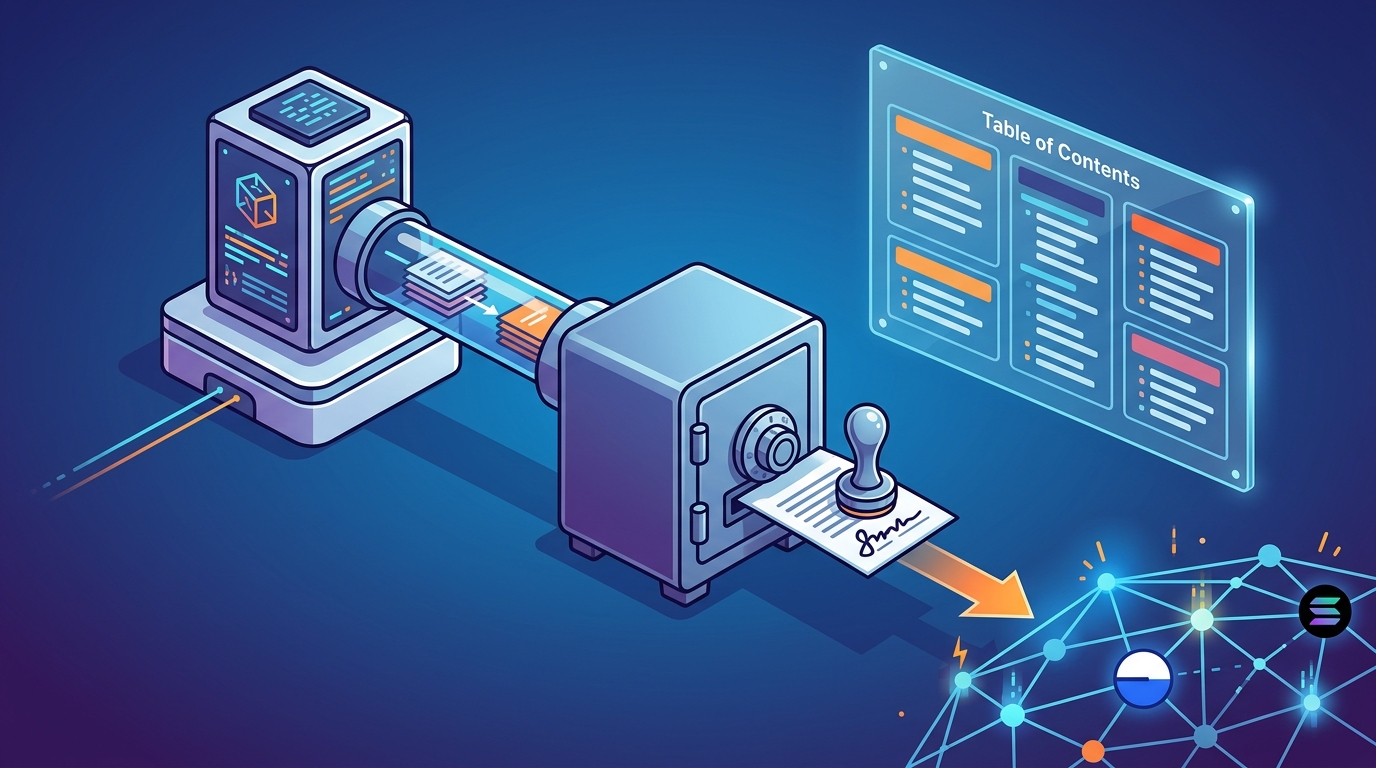
Unsigned transaction preparation is the process of constructing a transaction that is ready to be signed but has not yet been authorized. The server builds the transaction structure, including the recipient, amount, and network parameters, and returns it as unsigned bytes. The user or agent then signs these bytes locally using their private key.
The Prepare and Broadcast Workflow
BuildAWallet provides specific endpoints for this workflow. The POST /machine/v1/{base|solana}/transaction/prepare endpoint builds an unsigned native or USDC transfer. It returns the unsigned bytes that the agent must sign. Once the agent signs the bytes locally, it uses the POST /machine/v1/{base|solana}/transaction/broadcast endpoint to broadcast the signed transaction to the network. This two-step process ensures that the server never has access to the signed transaction before the user authorizes it.
Supported Networks
The transaction preparation endpoints currently support Base and Solana. These are popular networks for stablecoin transfers and DeFi interactions. The system handles the specific encoding requirements for each network, ensuring that the unsigned bytes are correctly formatted for local signing. This abstraction simplifies the development process for agents that need to interact with multiple chains.
Unit Costs and Metering
Each transaction preparation and broadcast attempt consumes one API unit. Units are deducted from the prepaid plan associated with the API key. If the units run out, the system returns a 429 status code, and no units are charged. This metering model allows users to control their costs and avoid unexpected charges. Unused units roll over when the plan is renewed before expiry.
Comparison of Transaction Preparation Methods
| Method | Custody Model | Signing Location | Integration Complexity | Best For |
|---|---|---|---|---|
| BuildAWallet MCP | Non-Custodial | Local (Agent Device) | Low (Standard MCP) | AI Agents, Automated Workflows |
| Direct API | Non-Custodial | Local (Agent Device) | Medium (Custom Code) | Custom Applications |
| Custodial Wallet | Custodial | Server-Side | Low | Users Who Trust Provider |
Key Takeaways
- BuildAWallet provides an MCP server that allows agents to prepare unsigned transactions for local signing.
- The local signing workflow ensures that private keys never leave the user's device, maintaining full self-custody.
- The MCP endpoint at buildawallet.xyz/mcp supports standard JSON-RPC 2.0 and streamable HTTP.
- Transaction preparation endpoints are available for Base and Solana networks.
- API usage is metered with prepaid units, allowing for predictable costs and no per-call blockchain payments.
- The system is non-custodial by default, meaning the server never holds the agent's keys or signs transactions on the user's behalf.
- Free tools are available for discovery and wallet creation, while metered tools require an API key.
- Unused API units roll over when the plan is renewed, providing flexibility for variable usage patterns.
Frequently Asked Questions
Does BuildAWallet hold my agent's keys?
No. With the local kit, the wallet is created on the agent's machine. The optional server-made wallet generates a phrase in memory, returns it once, and stores nothing. The local agent kit keeps generation on the agent device, ensuring maximum security.
What does an agent need to start using the MCP server?
Nothing. Discovery, chain lists, plans, and the wallet kit are free. Metered reads need a bearer API key. You can create a key in the dashboard and pass it as an Authorization header in the MCP configuration.
Which networks are supported for transaction preparation?
Currently, the transaction preparation endpoints support Base and Solana. These networks are popular for stablecoin transfers and DeFi interactions. The system handles the specific encoding requirements for each network.
How does the metering system work?
One payment buys a block of API units for 30 days. Requests deduct units in your account without another blockchain transaction. Unused units roll over when you renew before expiry. If units run out, the system returns a 429 status code.
Can I use the MCP server with any AI client?
Yes. The MCP protocol is client-agnostic. You can use it with Claude Desktop, Cursor, OpenAI Agents SDK, or any other MCP-compatible client. The setup involves adding the BuildAWallet configuration to your client's settings file.
Is the transaction preparation process secure?
Yes. The server builds the unsigned transaction and returns it as bytes. The agent signs these bytes locally using its private key. The server never has access to the signed transaction before the user authorizes it. This ensures that the user retains full control over their funds.
What happens if the API key is compromised?
You can revoke the API key from the dashboard. The system supports minting a new key, which replaces the previous one. This allows you to quickly secure your account if a key is exposed. The hashed API keys ensure that the server cannot reverse-engineer the key from stored data.
Do I need to pay for each transaction on the blockchain?
No. You pay for API units with USDC on Base or Solana. Each request deducts units from your account without another blockchain payment. This simplifies the payment process and reduces the complexity of managing gas fees for each individual call.
Conclusion
BuildAWallet provides a robust solution for agents that need to prepare unsigned transactions for local signing. By leveraging the MCP server, developers can integrate blockchain interactions into their AI workflows with minimal effort. The non-custodial design ensures that users retain full control over their keys and funds. To get started, visit the MCP server setup page and connect your agent to the BuildAWallet endpoint. For more information on pricing and plans, check the pricing page. If you need assistance with setup or have questions about the API, contact our support team.